
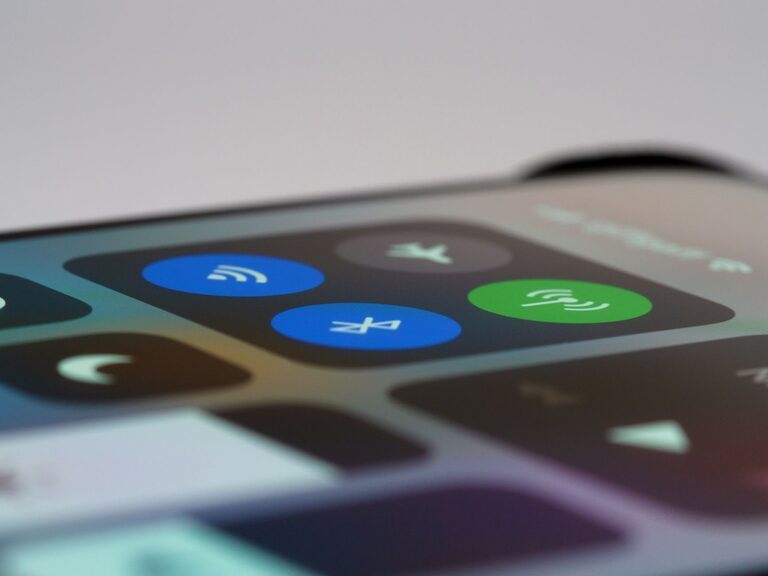
In today’s digital world, notifications are everywhere—from smartphones and computers to smartwatches and apps. While they can be helpful reminders, too many notifications can create distractions, increase stress, and reduce productivity. Setting healthy boundaries with notifications is essential to maintain focus and protect your time.
This post offers practical tips to help you manage notifications effectively for a more balanced and controlled digital life.
Why Setting Boundaries with Notifications Matters
Notifications alert us to messages, updates, and reminders, which can be useful for staying connected and informed. However, constant interruptions can:
– Break your concentration and workflow
– Increase anxiety and stress levels
– Lead to multitasking, which reduces quality and efficiency
– Interrupt personal or family time
By setting clear boundaries with notifications, you can reduce distractions, improve your focus, and enjoy more meaningful interactions when you choose to engage.
Tips for Setting Boundaries with Notifications
1. Understand Your Notification Sources
Start by identifying where your notifications come from:
– Social media apps
– Email clients
– Messaging platforms (e.g., SMS, chat apps)
– Calendar and reminder tools
– News and entertainment apps
Knowing the sources helps you make informed decisions about which notifications are necessary and which can be silenced or limited.
2. Customize Notification Settings on Your Devices
Most devices and apps allow you to customize notification preferences. Consider these adjustments:
– Turn off non-essential notifications: Disable alerts from apps that don’t require immediate attention.
– Use “Do Not Disturb” mode: Schedule quiet hours during work, meetings, or sleep time.
– Limit notification types: Choose to receive only banners or badges instead of sounds or vibrations.
Adjusting these settings reduces interruptions while keeping you informed about important updates.
3. Set Specific Times to Check Notifications
Instead of reacting instantly to every alert, establish designated times to review your notifications—for example, once every hour or during breaks. This habit can:
– Minimize distractions during focused work
– Help you batch process messages and updates efficiently
Using timers or reminders can support this routine until it becomes second nature.
4. Prioritize Notifications by Importance
Many apps let you prioritize notifications. Use this feature to highlight urgent messages or critical alerts while silencing less important ones. For example:
– Allow notifications from work-related apps during business hours
– Silence social media notifications during the day, but enable them in the evening
Prioritizing helps maintain focus on what matters most without missing vital information.
5. Use Notification Management Apps
If you find default device controls insufficient, try third-party apps designed to streamline notifications. These apps typically offer features like:
– Notification summaries at set intervals
– Auto-silencing during specific activities (e.g., driving or meetings)
– Custom filters to block unwanted alerts
Explore options compatible with your device to find one that suits your needs.
6. Communicate Your Preferences to Others
If you work in a team or share devices with family, let them know your notification boundaries. For example:
– Inform colleagues about your “quiet hours” to reduce expectations for instant replies
– Ask family members to respect times when you focus without interruptions
Clear communication helps others support your boundaries and reduces accidental disturbances.
7. Reflect and Adjust Regularly
Your notification needs may change over time depending on work, projects, and lifestyle. Regularly assess your settings and routines by asking:
– Which notifications do I regularly ignore or dismiss?
– Are there new apps sending unhelpful alerts?
– Is my current setup helping me focus and reduce stress?
Make adjustments as needed to maintain an effective balance.
Additional Tips for Reducing Digital Overload
– Declutter your apps: Uninstall or disable apps that contribute unnecessary notifications.
– Limit app permissions: Restrict which apps are allowed to send notifications.
– Use silent or vibration modes selectively: This prevents audible interruptions in inappropriate settings.
Conclusion
Notifications can be both helpful and distracting. By consciously setting boundaries and managing alerts, you regain control over your attention and time. Implementing these tips can improve productivity, reduce stress, and help you create a healthier relationship with your devices. Start small, experiment with different strategies, and find what works best for your lifestyle.
Remember, managing notifications is a key step toward digital wellness and better work-life balance.